What is DineOS?
A digital menu and restaurant operating system: a searchable menu, table booking on a floor map, ordering and paying at the table, kitchen and waiter boards, and a restaurant admin, all in one system.
DineOS
Guests book a table on the floor map, order at the table from its code, and pay the bill. The kitchen and the floor follow every order on their own boards.
Four sample restaurants on one system. Open one to see the menu, booking, and table ordering up close.
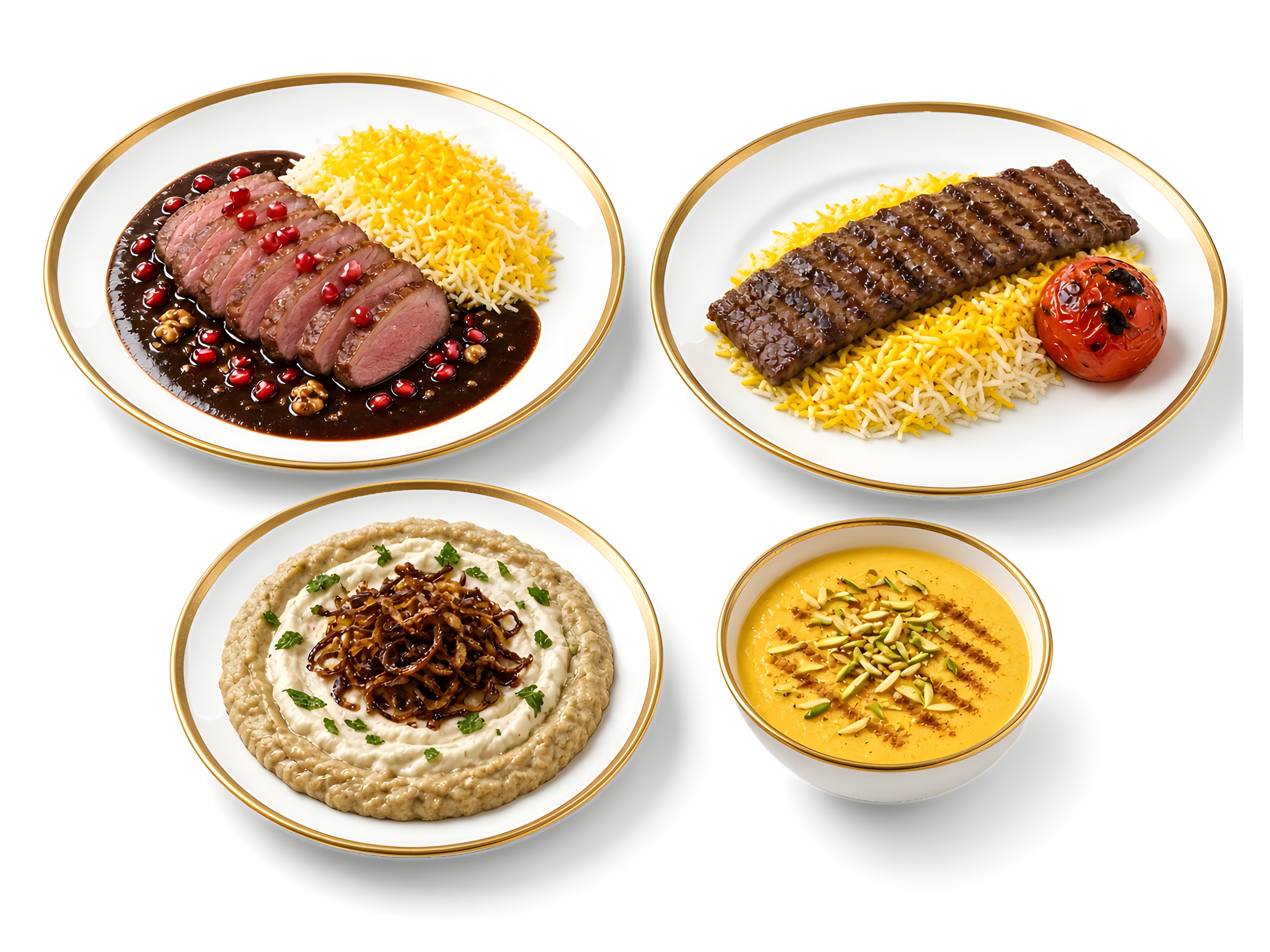
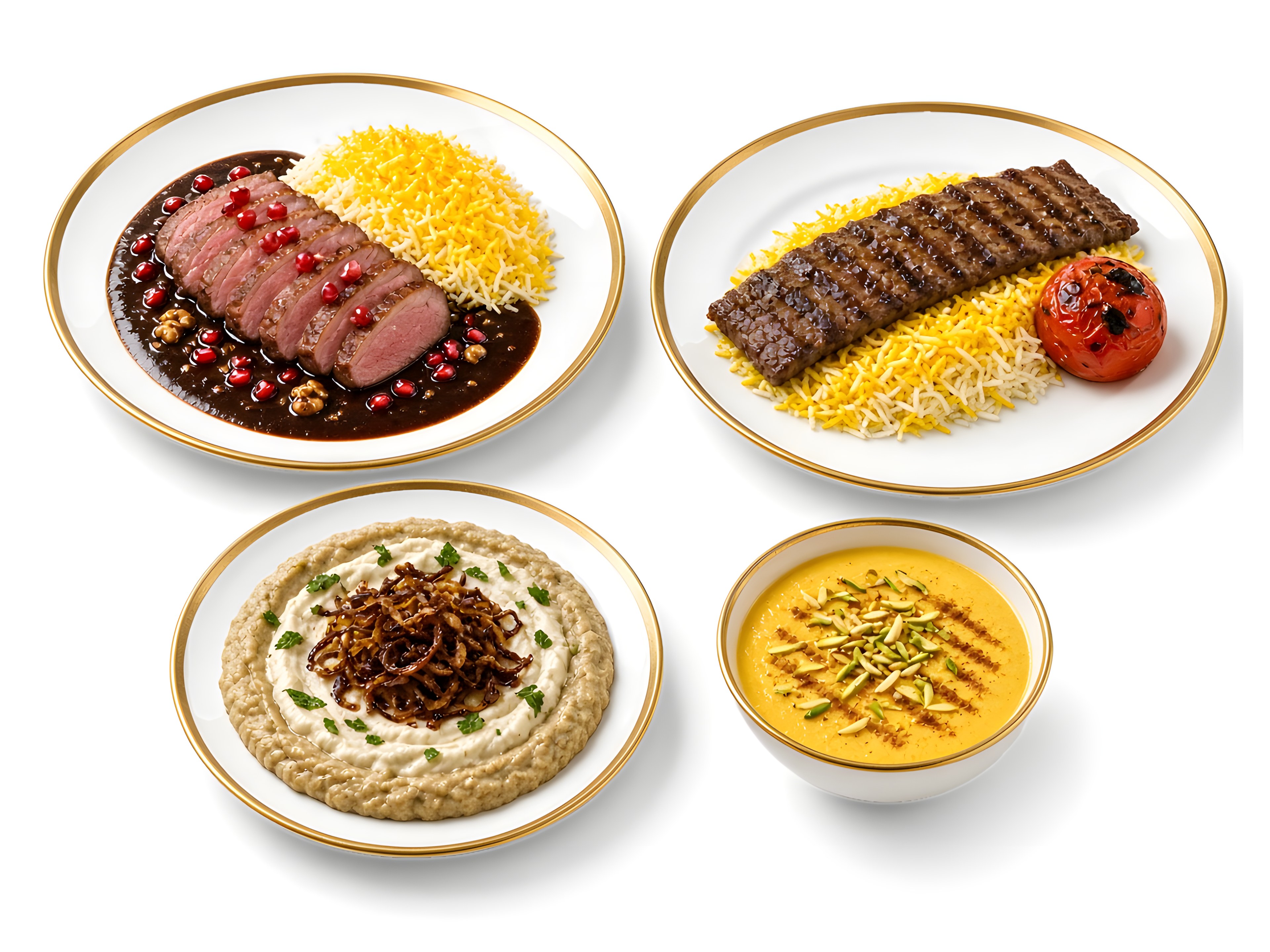
 سفرهخانهٔ آویشنA Persian spread for the whole family1 branch · 10 dishes · IsfahanEnter
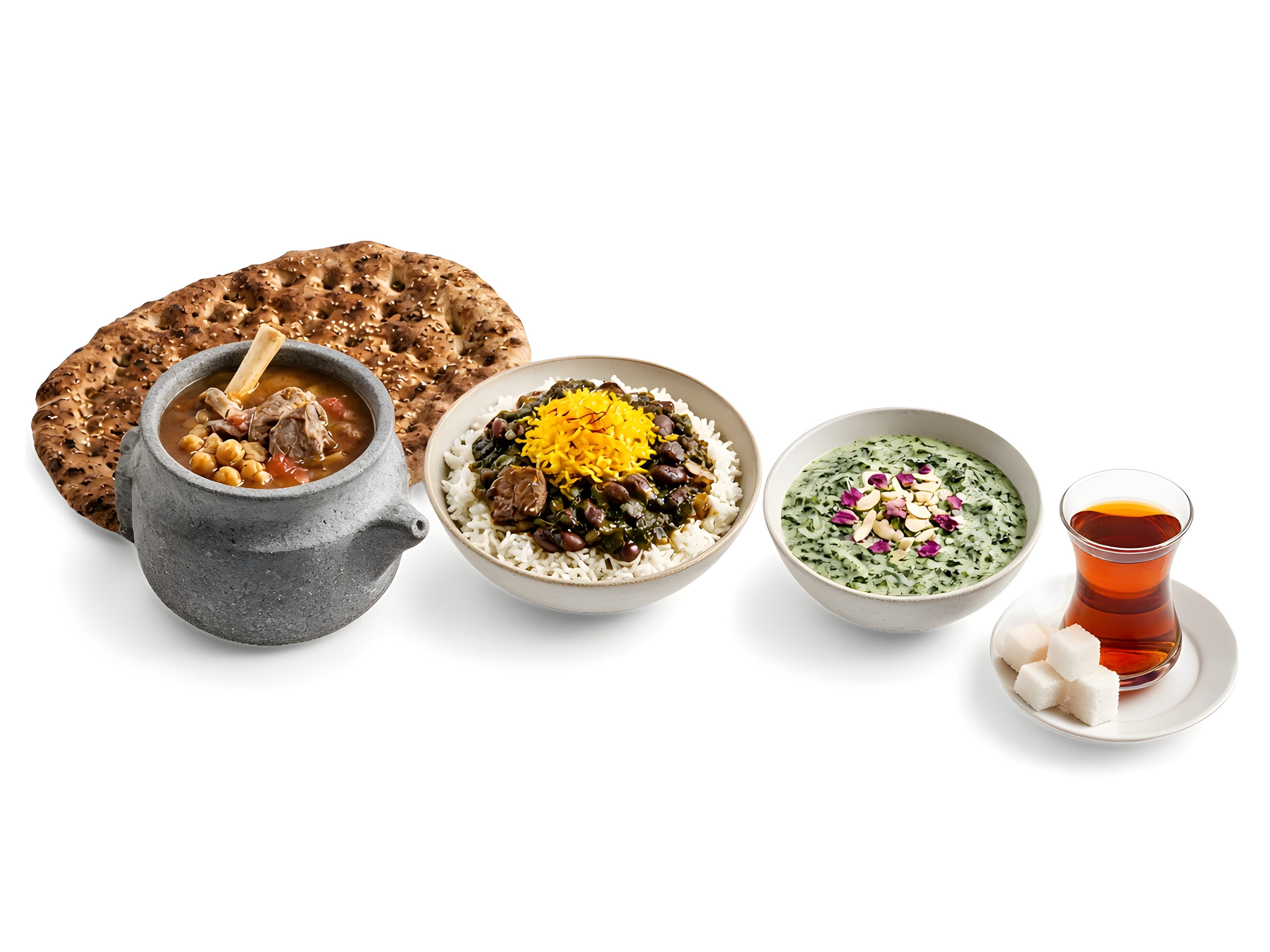
 نارنجShiraz on a plate1 branch · 16 dishes · ShirazEnter
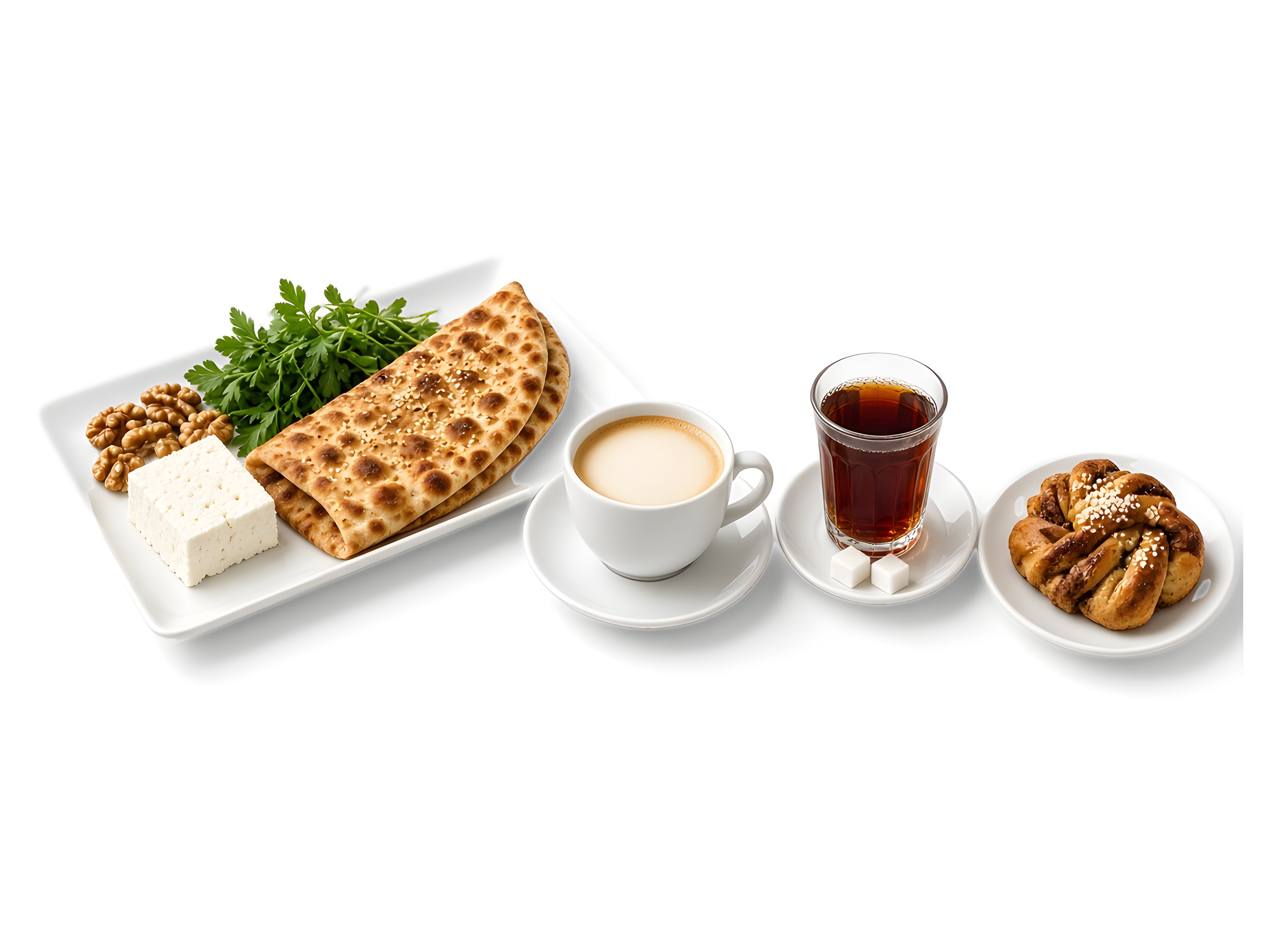 کافه جمعهEvery day feels like a slow Sunday2 branches · 8 dishes · TehranEnter
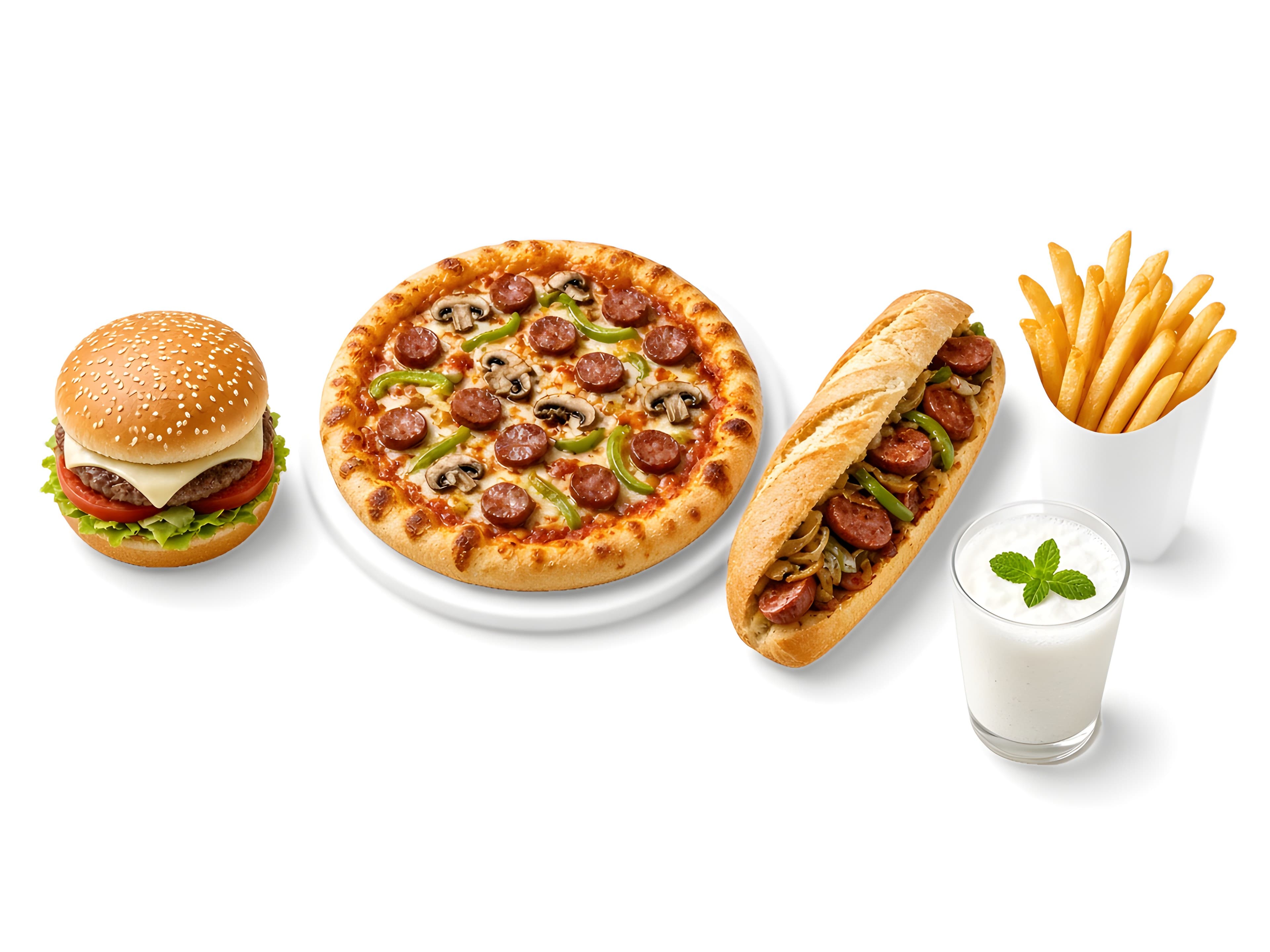 دریچهBurgers, fried chicken and fries, at the table or to go1 branch · 22 dishes · TehranEnter
DineOS puts guests, the kitchen, the floor, and the restaurant admin on one system.
For now there's no app to install: the menu, booking and table ordering open in the phone's browser.
The menu has search and filters for diet and allergens. Every dish has its own detail page, and guests can add it to the cart, save it as a favourite, and review it after the order. A restaurant can build a 3D model from a photo of the dish and its ingredient list, so guests see the ingredients on the model and can open the dish in augmented or virtual reality. Each restaurant keeps its own currency. A toman price uses Persian digits on Persian pages.
Guests choose a table on the restaurant's saved floor plan, including tables and spaces added later. The table is held for them for 10 minutes while they complete the booking, and they can manage the reservation afterwards.
Each table's code opens that table's menu. Guests order with a verified name and phone number, follow the order as it is prepared, and can call a waiter, a host, or a human guide. The bill can be split equally between 2 and 12 people or by order, paid online with Zarinpal or settled in person by card reader or cash, and the receipt downloads as a PDF.
The kitchen accepts an order, cooks it, and marks it ready; the floor marks it served from the board or the table page. Each staff role has its own working page, and a failed order update or waiter request shows an error.
The restaurant admin manages the menu, the floor plan, reservations, orders, and table QR codes, and sets the brand's light and dark palettes in the theme editor. Sales and covers come from real reservations and orders. The site runs in Persian (the default, right to left), English, and German, and each restaurant shows only the languages it publishes.
The menu, the floor plan, and a QR code for each table are created in admin.
They pick a table on the floor map. The table is held for 10 minutes while they complete the booking. No app to install.
The table code opens the menu, the order goes in, and the kitchen accepts and prepares it.
The full or split bill is settled online or in person, and a PDF receipt is kept.
A digital menu and restaurant operating system: a searchable menu, table booking on a floor map, ordering and paying at the table, kitchen and waiter boards, and a restaurant admin, all in one system.
Not for now. The menu, booking and table ordering open in the phone's browser; at the table, guests just scan that table's code.
The table's code opens that table's menu. You order with a verified name and phone number and can follow each step. The kitchen accepts and prepares the order and the floor serves it. From the same page you can call a waiter, a host, or a human guide.
Yes. You can pay the whole remaining balance, split it equally between 2 and 12 people, or pay for chosen orders. The tip is a percentage of that share, and the table stays open until the food is covered.
Online with Zarinpal, or in person by card reader or cash, which a waiter settles. The receipt can be downloaded as a PDF. The bill can be viewed and paid only with that table's own code.
You choose a table on the restaurant's floor map. The table is held for you for 10 minutes while you complete your booking, and you can manage the reservation afterwards. No app needed.
Persian (the default, right to left), English and German. Each restaurant shows only the languages it publishes and keeps its own currency.
On each restaurant's conversation page, the concierge searches that restaurant's own knowledge to answer your questions about the menu.
Published prices are on the pricing page. Call 021-91031504 or email info@lumexai.ir to start a trial or ask about setup.